01
How to use a PikoBuy spreadsheet
Search by product or ID, narrow by category, compare the source record and confirm the current listing before ordering.
Open guide
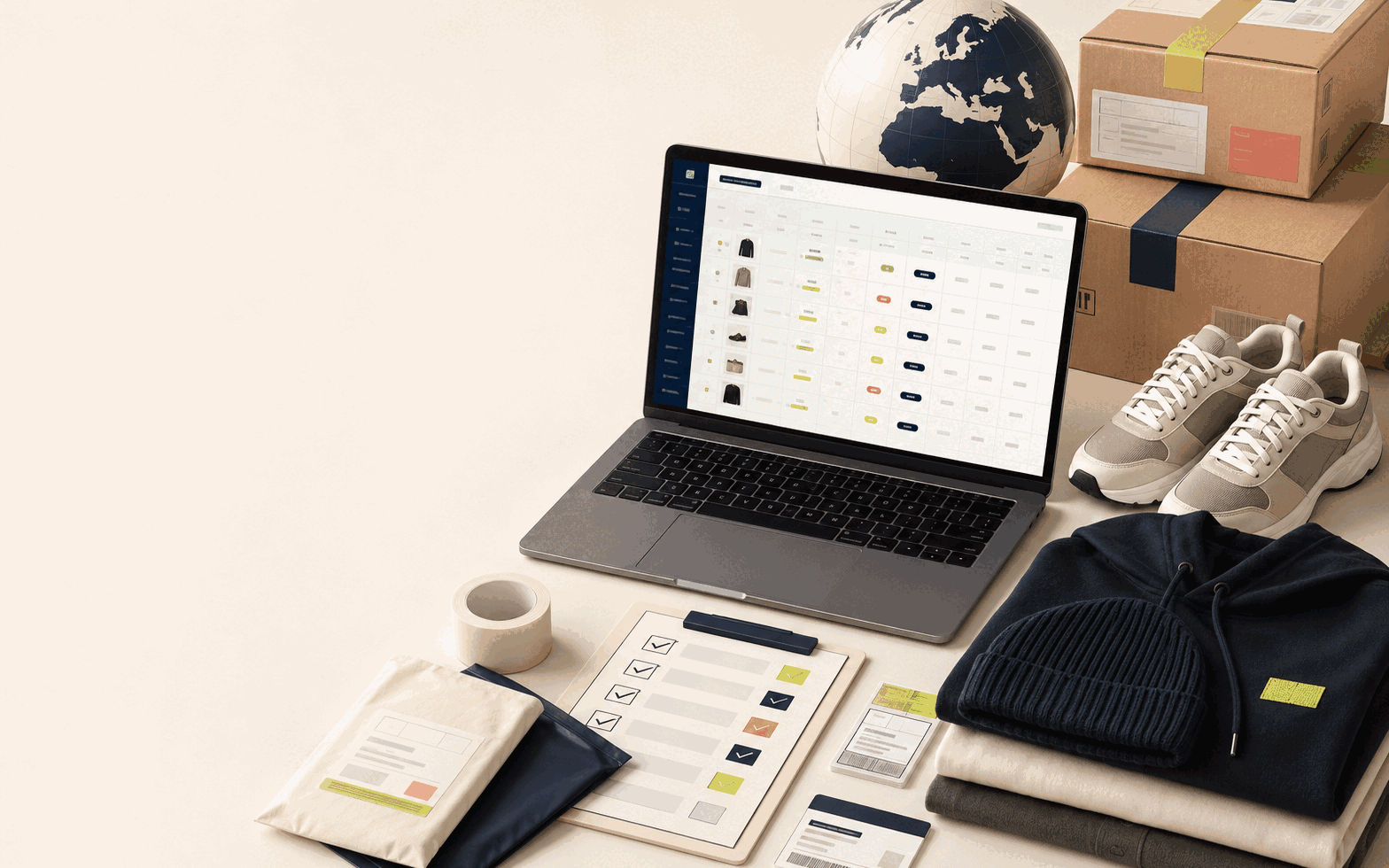
A focused research hub for US and European shoppers. Search the live FindSpreadsheet catalog, compare item details, prepare warehouse QC checks and estimate shipping with current information.
Choose a category, inspect the live listing, then use the right checklist before paying.
Representative entries from the main FindSpreadsheet database. Prices are reference amounts and must be confirmed on the current product page.
$16.40 ref.
View on FindSpreadsheet$7.35 ref.
View on FindSpreadsheet$15.15 ref.
View on FindSpreadsheetCheck live price
View on FindSpreadsheetThe site separates product discovery from the checks that happen before ordering and before international shipping.
Search by product or ID, narrow by category, compare the source record and confirm the current listing before ordering.
Open guideUse photos for visible identity, colour, labels, measurements and damage—not for guarantees about material or long-term durability.
Open guideDestination, actual weight, dimensions, route and product restrictions can all change the estimate. Confirm the live calculator.
Open guideMatch the title, item ID, selected option, quantity, price and seller images. Treat the spreadsheet as research.
Open guidePlatform statements are checked against current public PikoBuy pages. Product records open only on FindSpreadsheet.